Stop rebuilding the same auth, roles, and panel setup from scratch on every project. Laravel Filament Backend Starter gives you a production-ready admin panel in minutes, not days.
Built with Laravel 13 and Filament PHP v5, every decision in this starter has been made for you: security defaults, role structure, queue management, Docker setup. Copy it, configure your .env, run one command, and ship.
What you get
Secure authentication, out of the box
No more wiring up invitation flows or MFA from scratch:
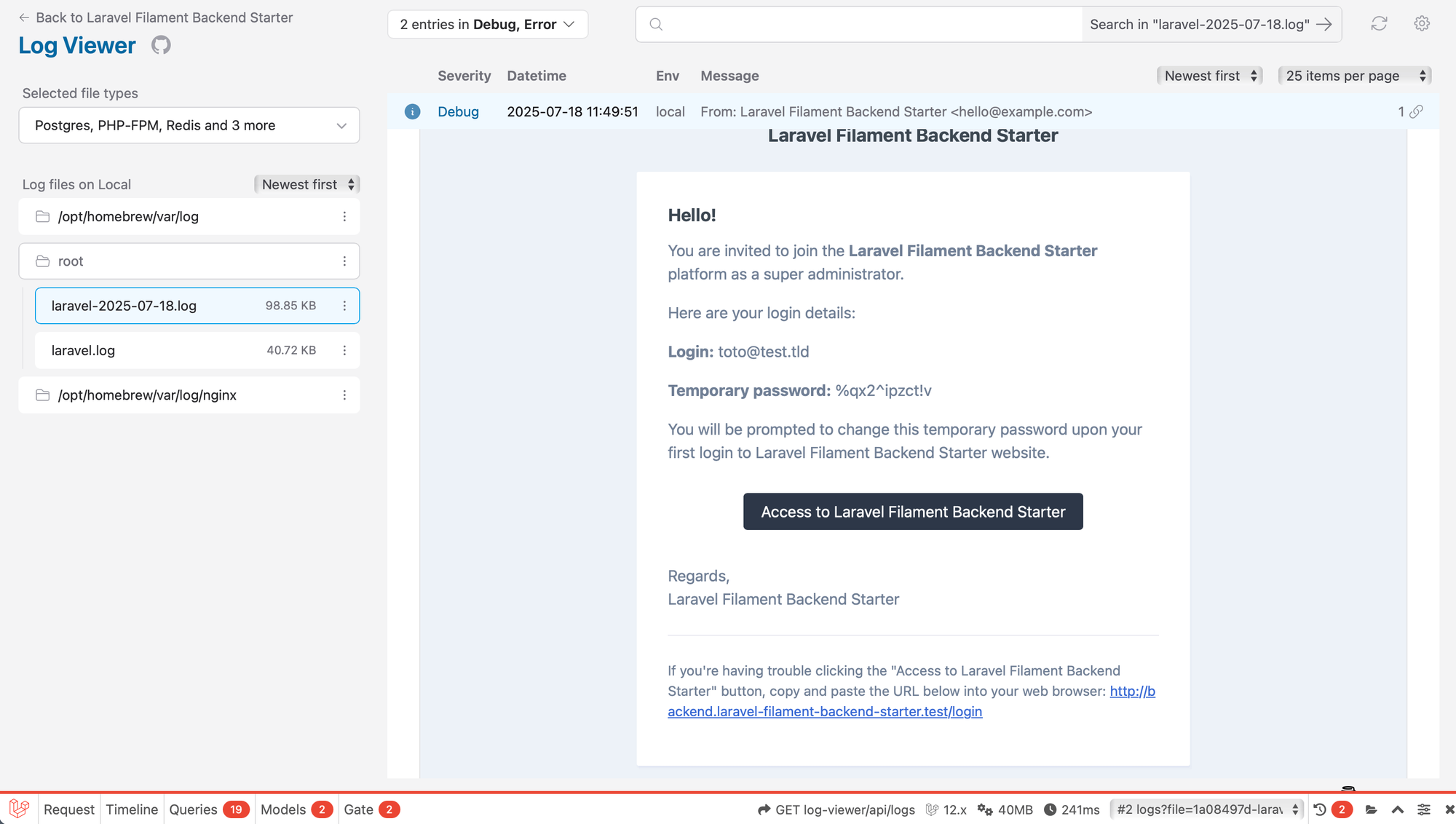
- Email invitation system - users receive a secure link to set their password on first login
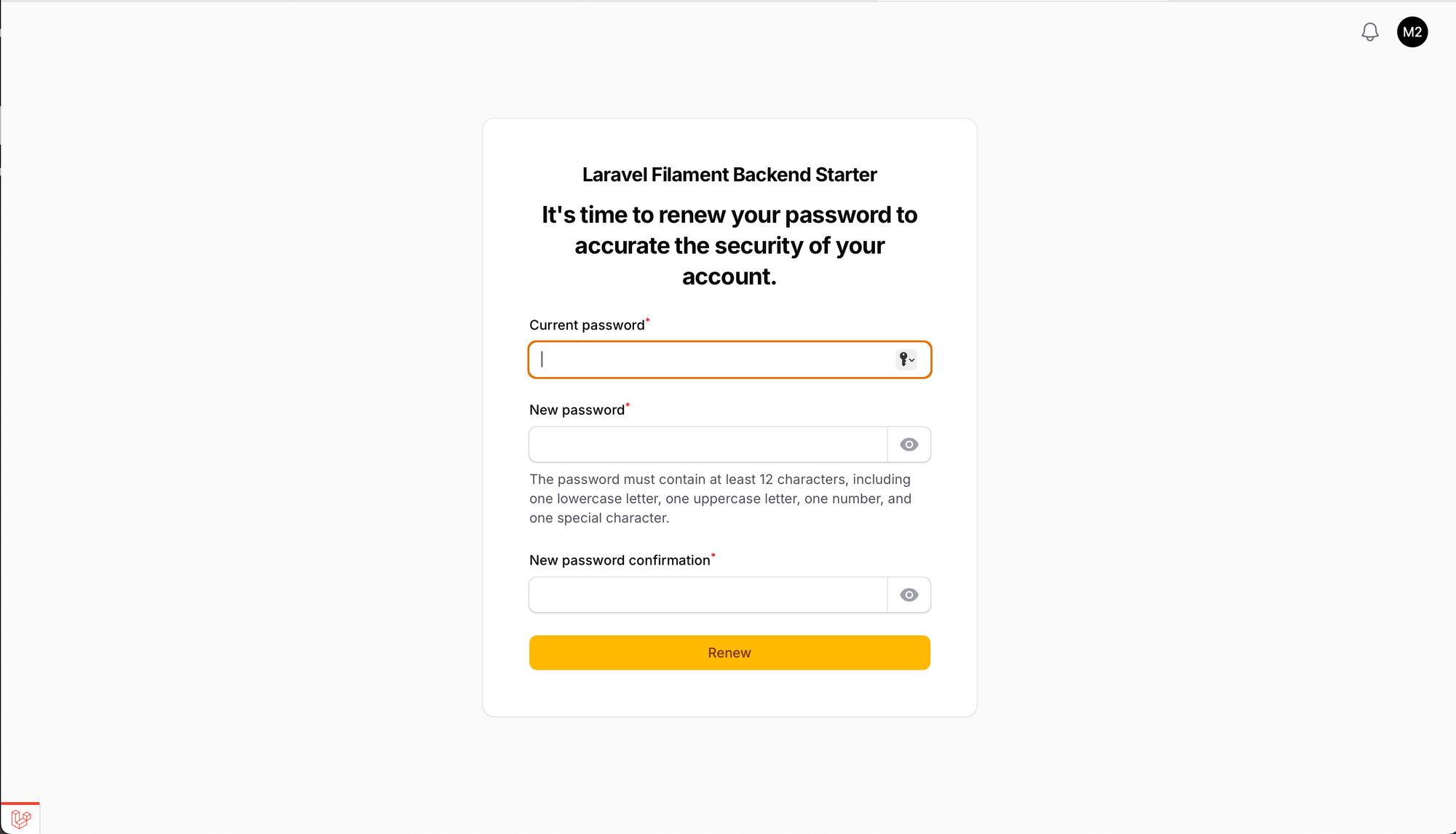
- First-login password renewal enforced (via Filament Renew Password)
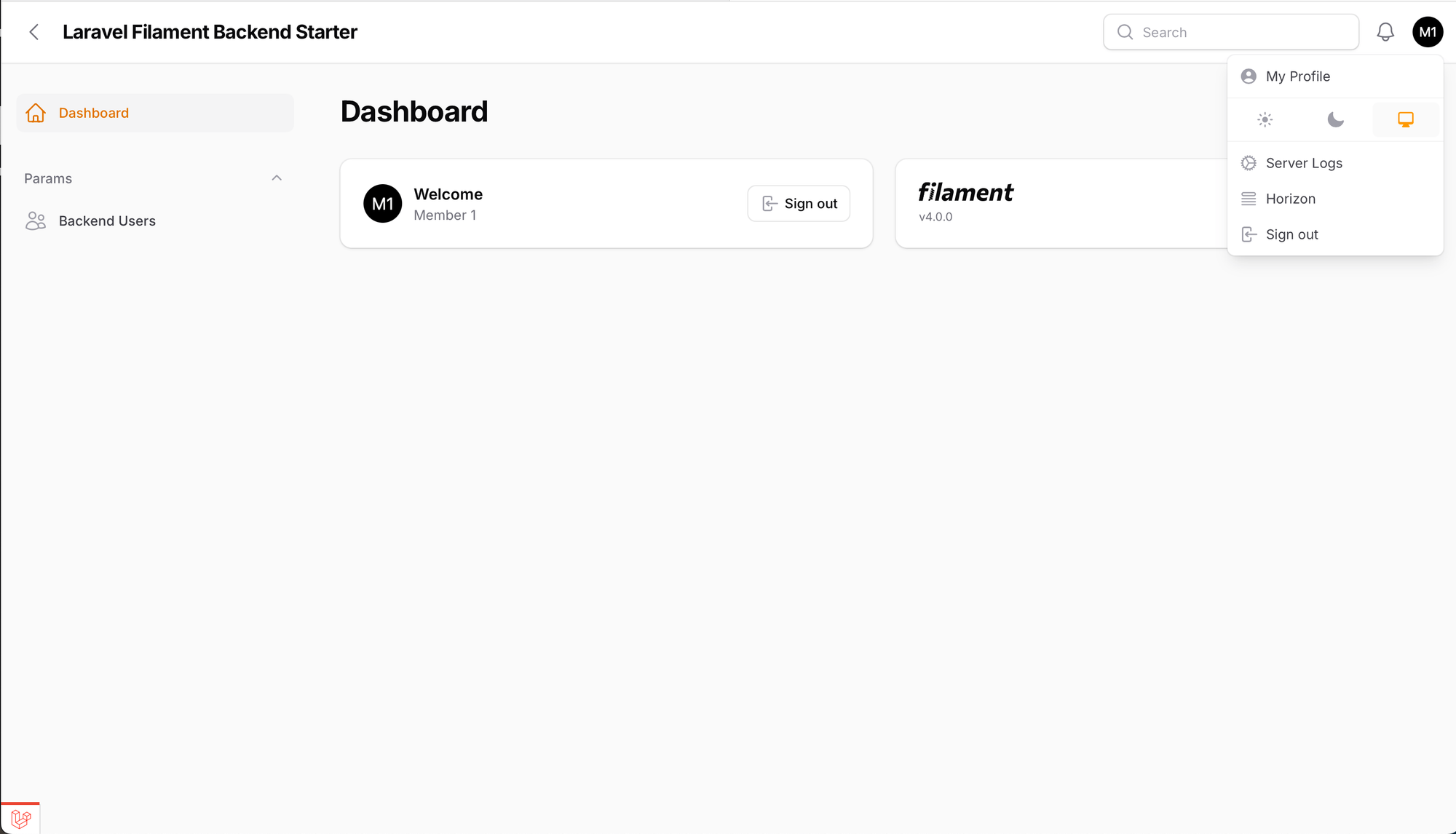
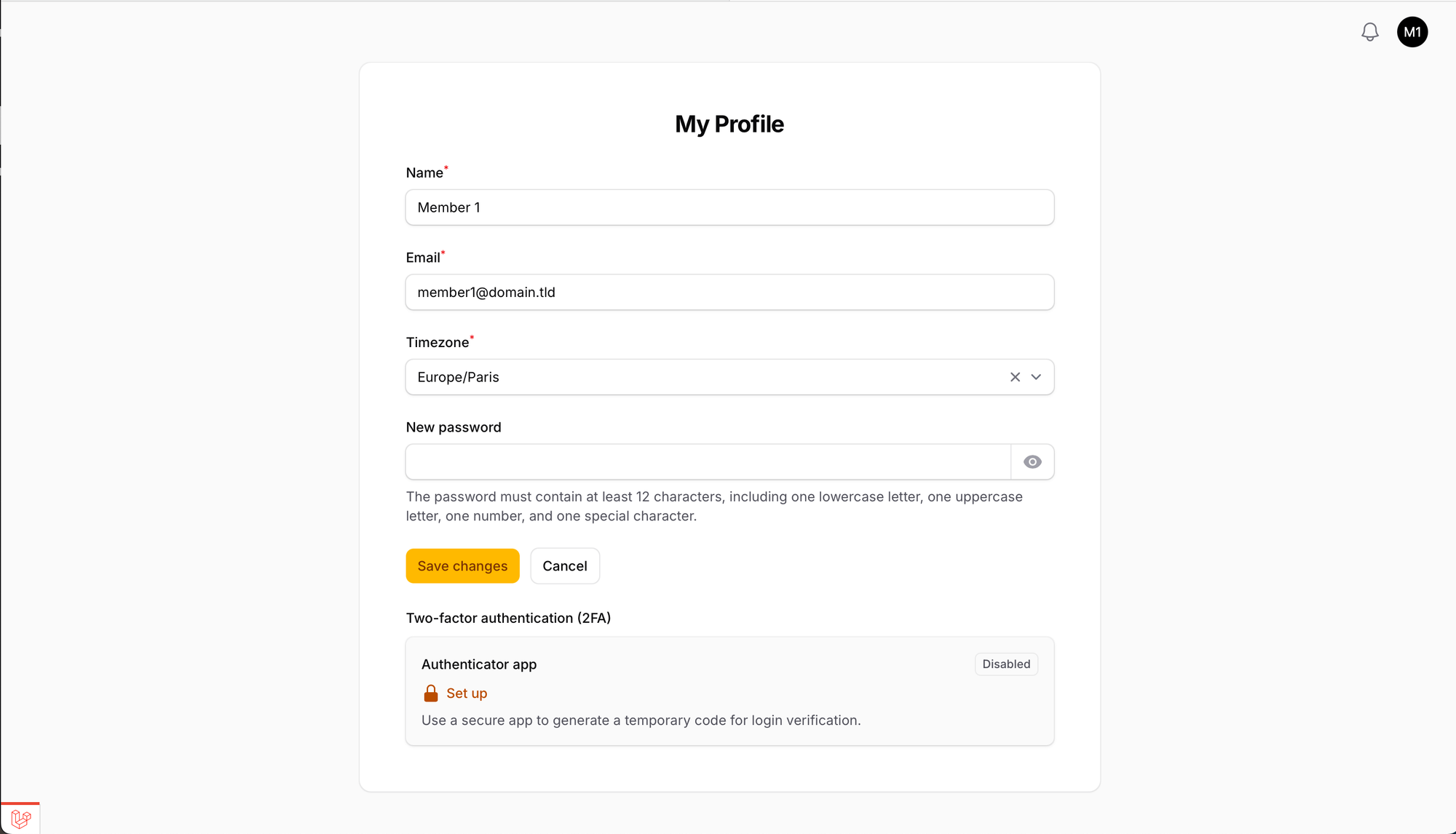
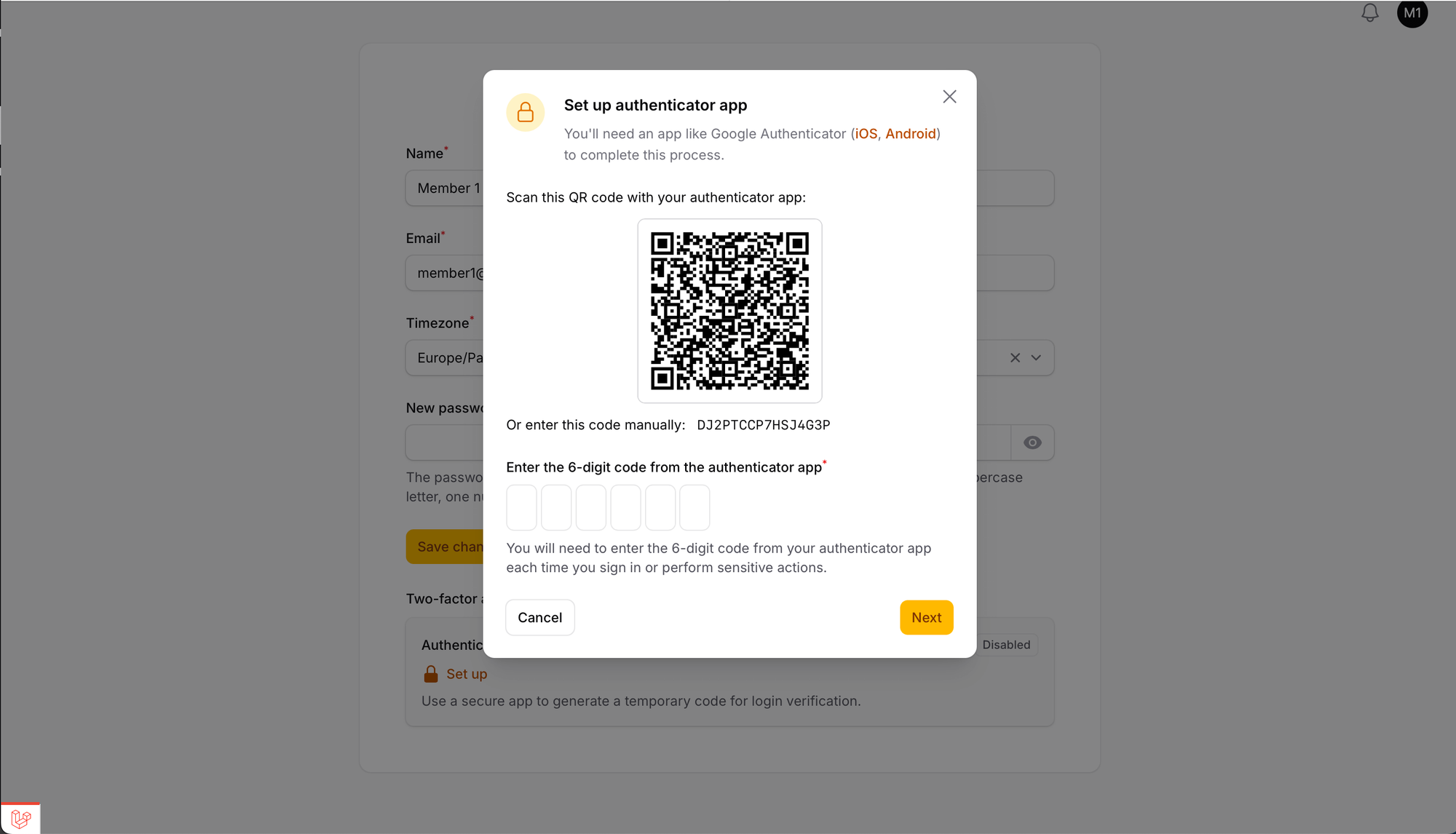
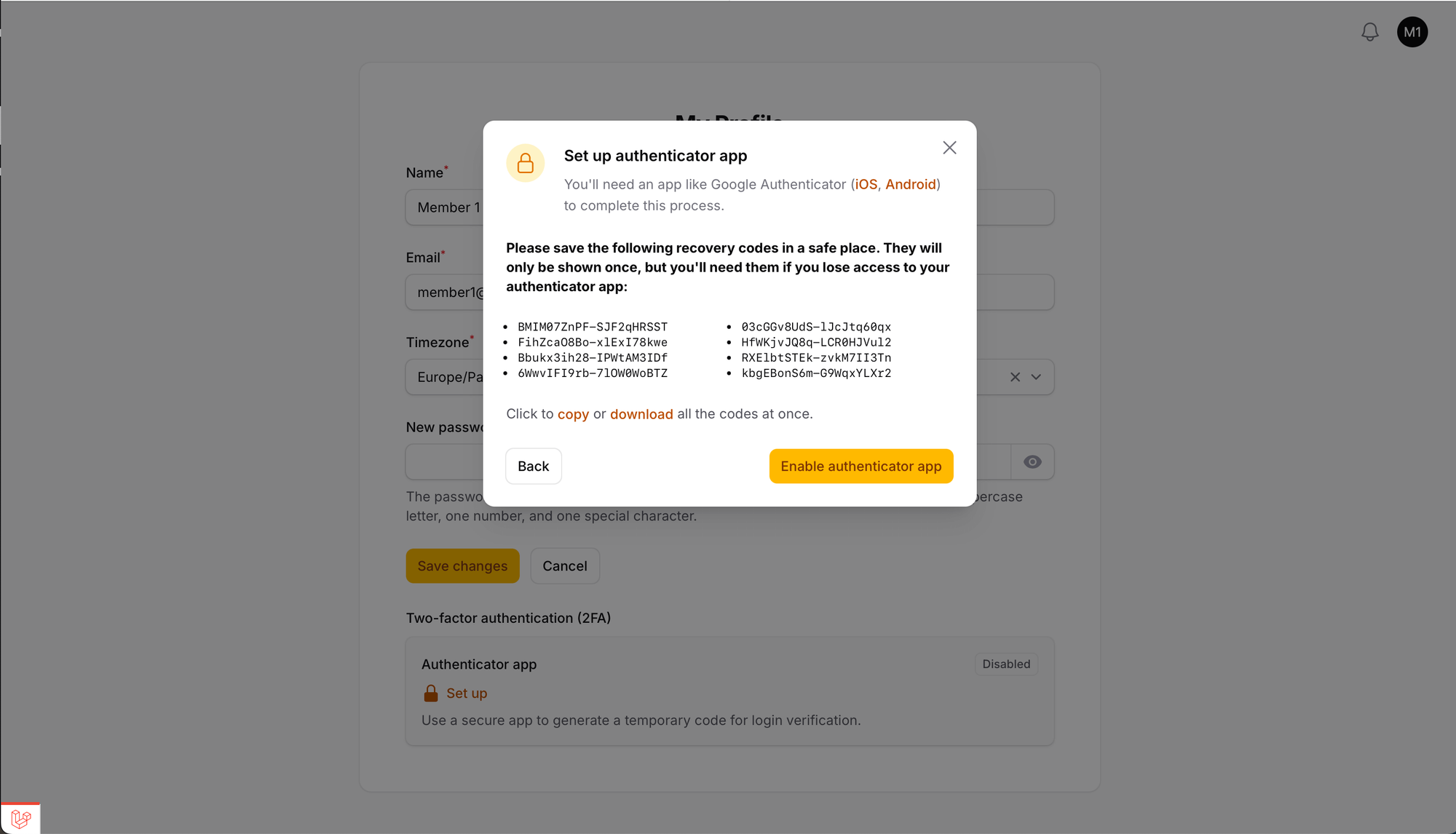
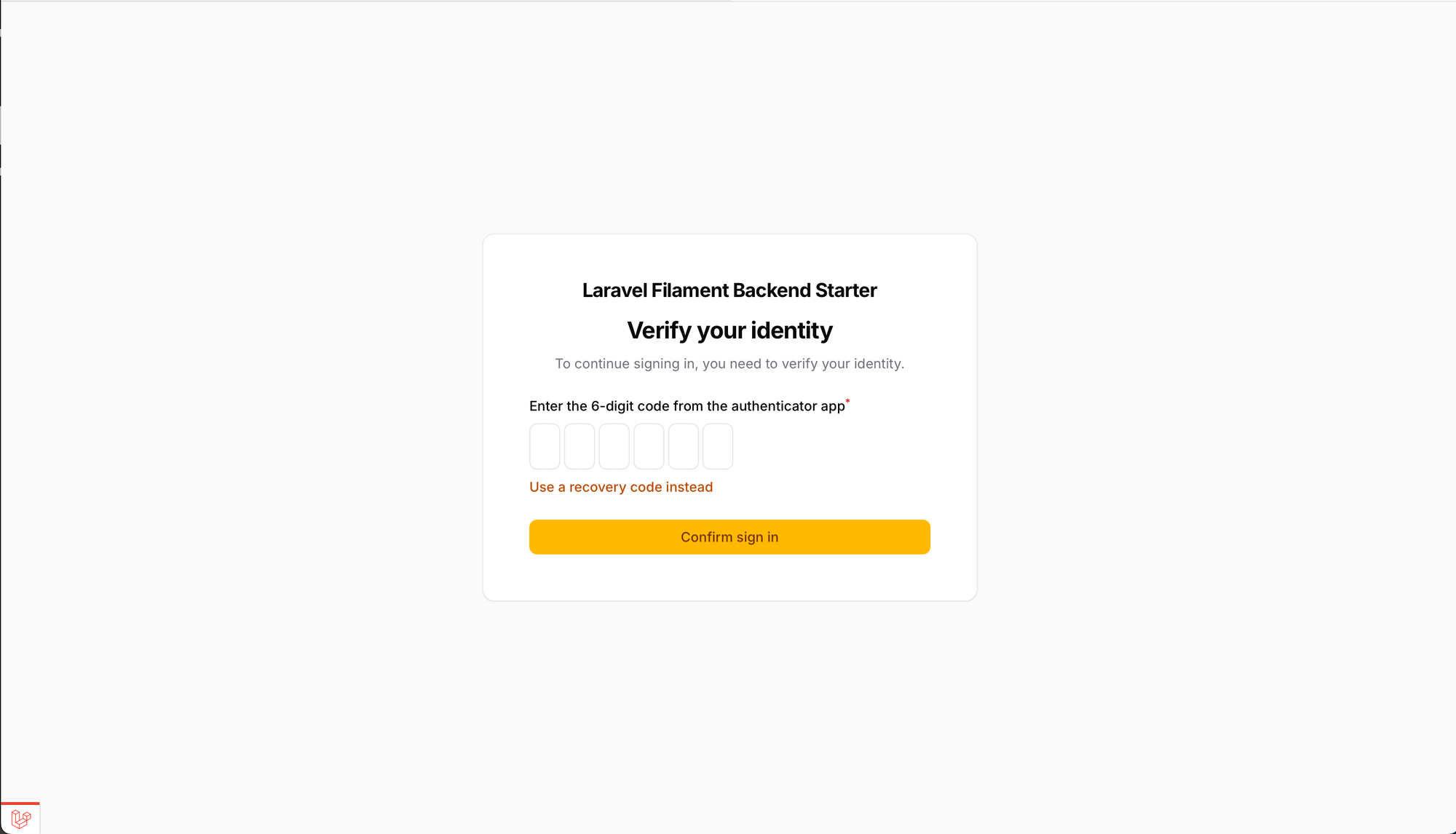
- Multi-factor authentication with authenticator app support
Roles & permissions, pre-seeded and ready
- Spatie Laravel Permission integrated
- Default
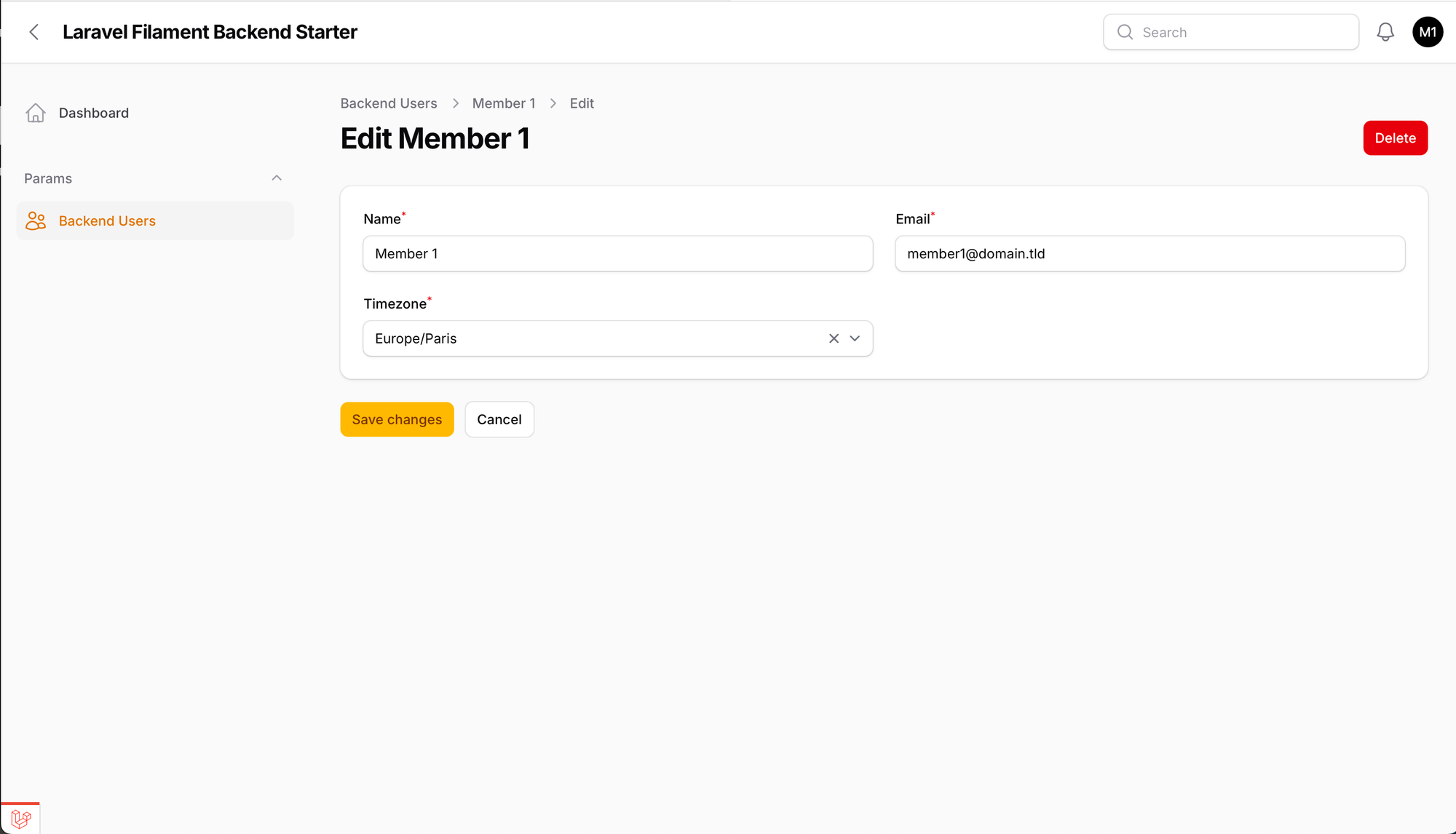
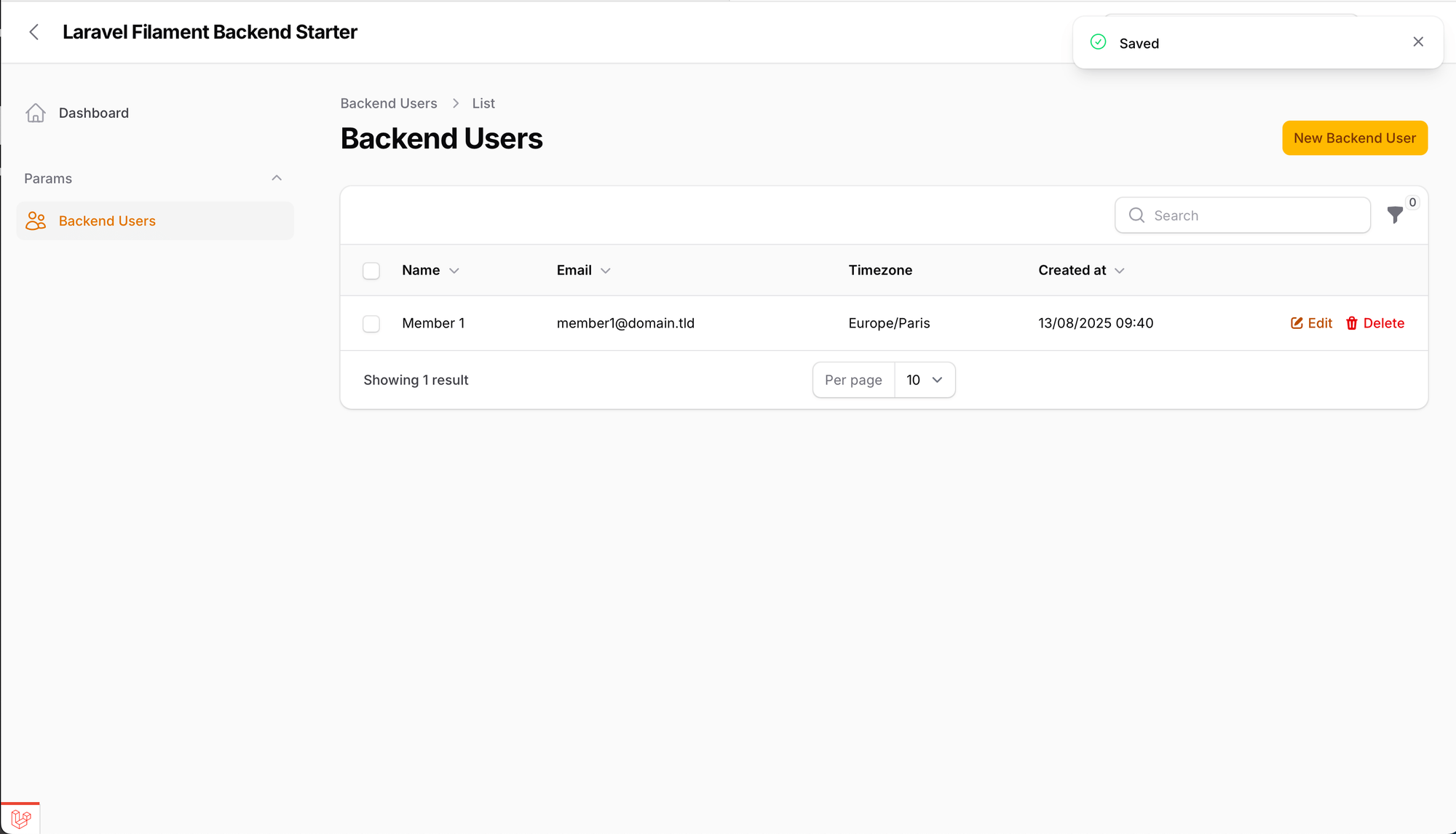
Backendrole with policies pre-seeded - User management Filament Resource included: invite and manage backend users directly from the panel
Production infrastructure included
- Laravel Horizon - queue monitoring, protected by auth & backend role
- Logs Viewer - protected by auth & backend role
- Redis for queues and cache
- Multi-stage Docker setup - PHP-FPM, Nginx, PostgreSQL, Redis, Horizon, scheduler, all wired with healthchecks
Developer experience
- User profile management (email, name, password, timezone)
- Per-user timezone applied automatically to all
TextColumnandDateTimePicker - Strong password policy enforced by default (12+ chars, mixed case, numbers, symbols)
- Light & Dark theme switch + empty custom theme scaffold
- Database notifications (Filament native)
- Subdomain or path routing (
backend.yourdomain.comoryourdomain.com/backend) - Fully localized - English by default, extend with your own languages
- Laravel Debugbar, PHPStan, Pint, PestPHP included
Tech stack
| Framework | Laravel 13 |
| Admin panel | Filament PHP v5 |
| Frontend | TALL Stack — Tailwind v4, Alpine, Livewire |
| Testing | Pest PHP v4 |
| PHP | 8.3+ |
| Database | PostgreSQL or MySQL |
| Queue & cache | Redis + Laravel Horizon |
Who is it for?
✅ SaaS admin panels
✅ Internal dashboards
✅ Multi-role business tools
❌ Not intended for public-facing user portals
Need both an admin panel and a member portal? See the Multipanel Starter. It includes everything here plus a dedicated member panel with public registration.
Or need a setup with multi-tenancy? See the Multi-Tenant Starter.
Compare starter templates
| Feature | Backend Starter | Multipanel Starter | Multi-Tenant Starter |
|---|---|---|---|
| Laravel 13 + Filament v5 | ✅ | ✅ | ✅ |
| Backend Panel | ✅ | ✅ | ✅ |
| Member Panel | ❌ | ✅ | ✅ |
| Subdomain or Path Routing | ✅ | ✅ (per panel) | ✅ (per panel) |
| Email Invitation | ✅ | ✅ | ✅ |
| Public Registration | ❌ | ✅ | ✅ |
| First-login Password Renewal | ✅ | ✅ | ✅ |
| MFA (App authenticator) | ✅ | ✅ | ✅ |
| Roles & Permissions (Spatie) | ✅ | ✅ | ✅ |
| Team-based Multi-Tenancy | ❌ | ❌ | ✅ |
| Team Switching | ❌ | ❌ | ✅ |
| Team Invitations | ❌ | ❌ | ✅ |
| Team Profile Management | ❌ | ❌ | ✅ |
| Team Roles (Admin) | ❌ | ❌ | ✅ |
| Per-panel Permission Scope | ✅ | ✅ | ✅ |
| Per-user Timezone | ✅ | ✅ | ✅ |
| Logs Viewer | ✅ | ✅ | ✅ |
| Laravel Horizon | ✅ | ✅ | ✅ |
| Dark Mode | ✅ | ✅ | ✅ |
| Multi-language | ✅ | ✅ | ✅ |
| Docker Setup | ✅ | ✅ | ✅ |
| Use case | Internal tools | Full-stack app | SaaS, B2B platforms |
How to install
Without Docker
composer install
cp .env.example .env
php artisan key:generate
npm install
npm run build
Configure your .env, database, Redis, mail, and your panel access:
# Access at backend.yourdomain.com
FILAMENT_PANELS_BACKEND_DOMAIN=backend.yourdomain.com
FILAMENT_PANELS_BACKEND_PATH=

# Or at yourdomain.com/backend
FILAMENT_PANELS_BACKEND_DOMAIN=
FILAMENT_PANELS_BACKEND_PATH=backend
Then run the setup command. It handles migrations, seeds roles & permissions, and creates your first backend user:
php artisan backend:setupThat's it. Your panel is live.
With Docker (recommended)
A docker-compose.example.yaml is included with everything pre-configured: PHP-FPM, Nginx, PostgreSQL, Redis, Horizon, and the scheduler.
A dedicated bootstrap service runs migrations automatically before the app starts - no manual intervention needed.
For a deep dive into the Docker architecture behind this setup:
👉 Production-Ready Docker Setup for Laravel Filament
👉 Production-Ready Docker Compose for Laravel Filament
# 1. Copy and adapt the example compose file
cp docker-compose.example.yaml docker-compose.yaml

# 2. Set up your environment
cp .env.docker.example .env
# Edit .env with your database credentials and panel config

# 3. Build and start
docker compose up -d --build

# 4. Create your first backend user
docker compose exec php-fpm php artisan backend:setup
Access the panel at https://localhost:4443/backend.
⚠️ Always usehttps://. Nginx expects SSL on port 4443.
⚠️ The browser will warn about the self-signed cert in local dev, this is expected. Self-signed certificates are already provided indocker/example/nginx/certs/.
For production, adapt the compose file and Nginx config to your own infrastructure. See the GitLab CI guide for a production pipeline.

Deploy your starter on DigitalOcean
The go-to VPS for this stack. Docker, Nginx, PostgreSQL, Redis, Horizon - all run perfectly on their Droplets.
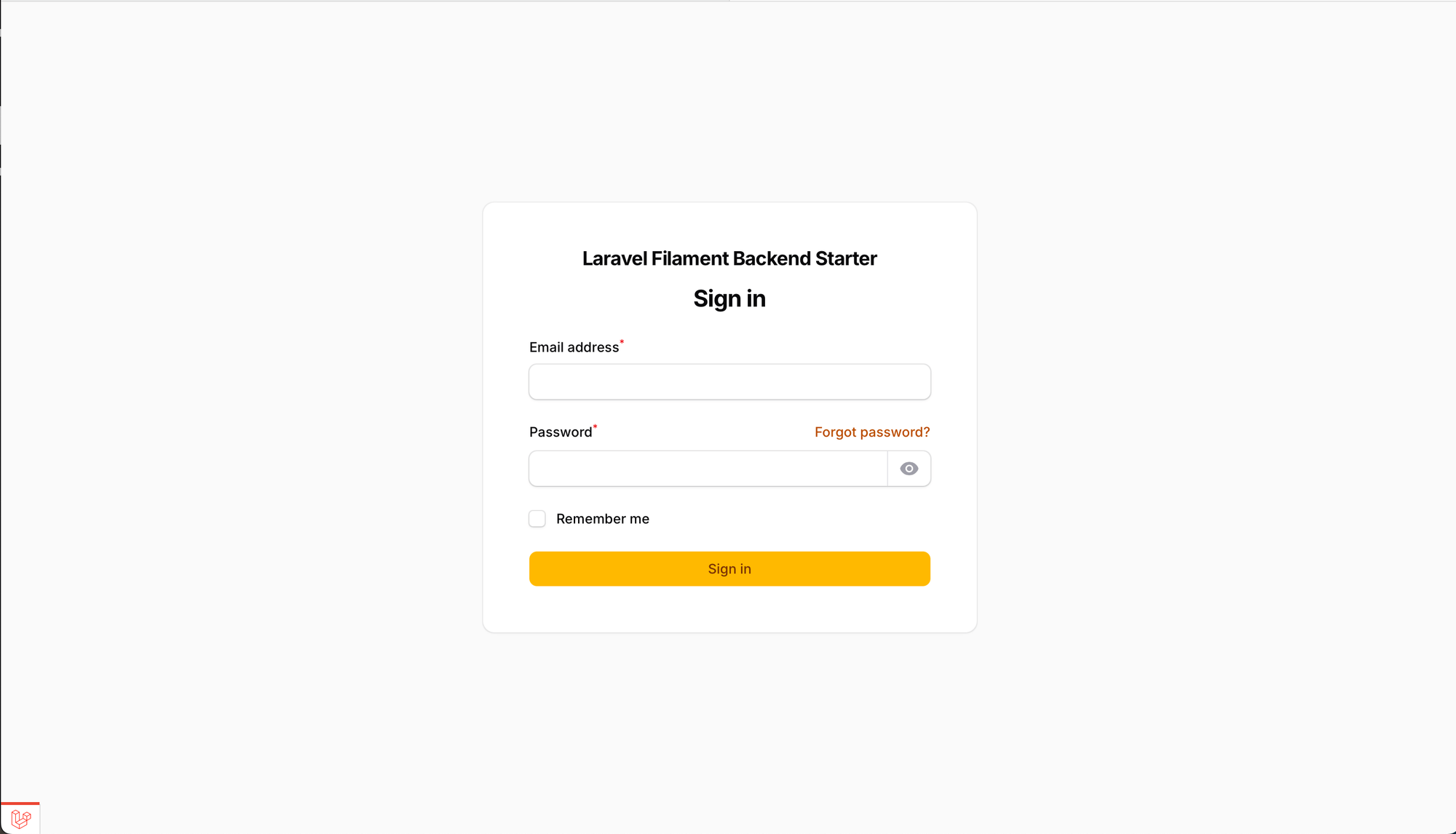
Visual overview
Get access
The Backend Starter is included in the Full Access tier, along with the Multipanel Starter, all premium articles, and every future starter and guide.
Download the latest version at the bottom of this page - re-download anytime to get updates. The filename includes the release version so you always know what you have.
Your membership grants you the right to use this starter on unlimited personal or client projects
Reselling or redistributing the code as a standalone product is not permitted.